No account required

Sign and submit documents in 30 seconds

Upload a PDF, place your signature on it, and download a realistic scanned copy. Everything happens in your browser.

Try it free

See the difference

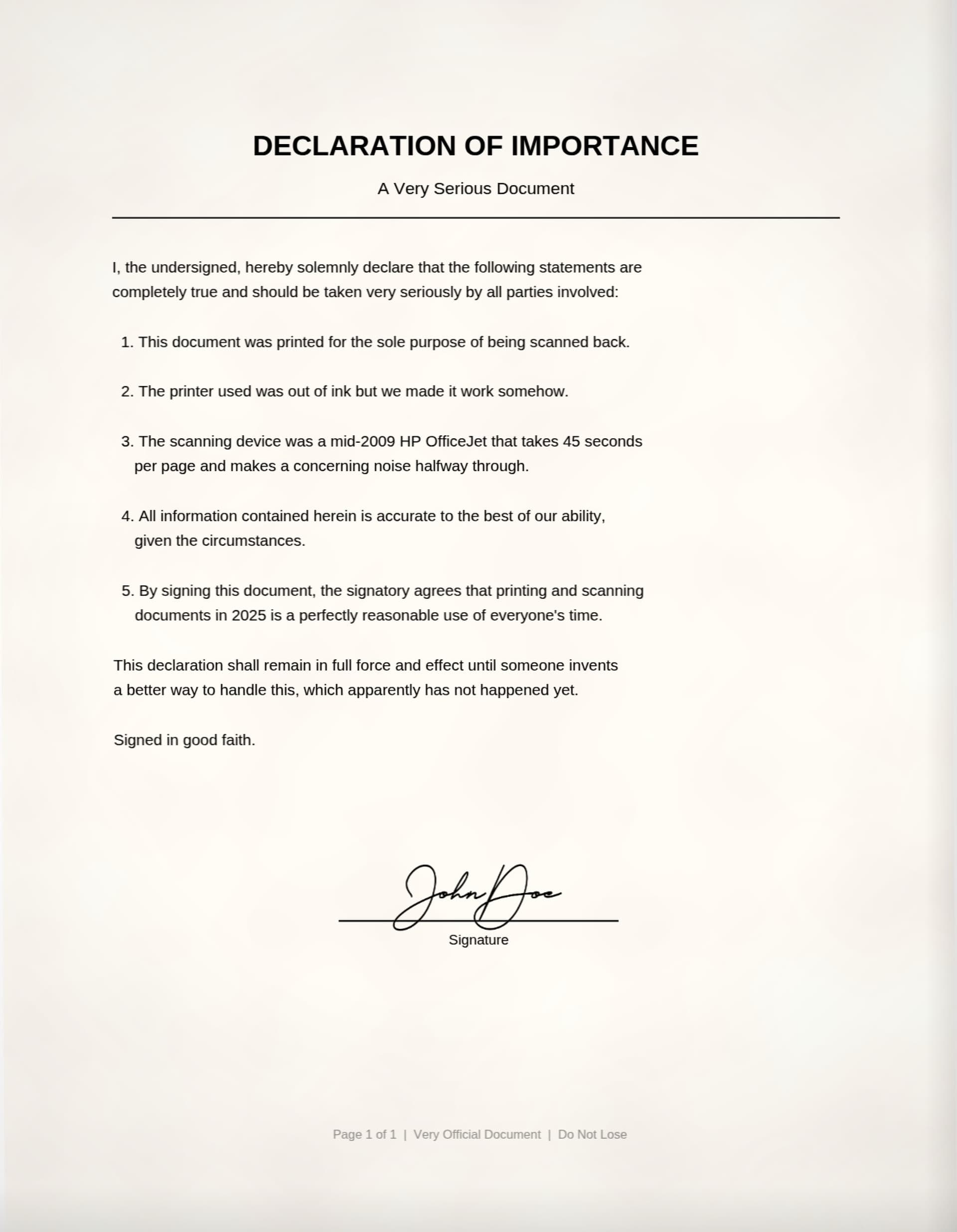
Same document. Three presets. No printer required.

Original
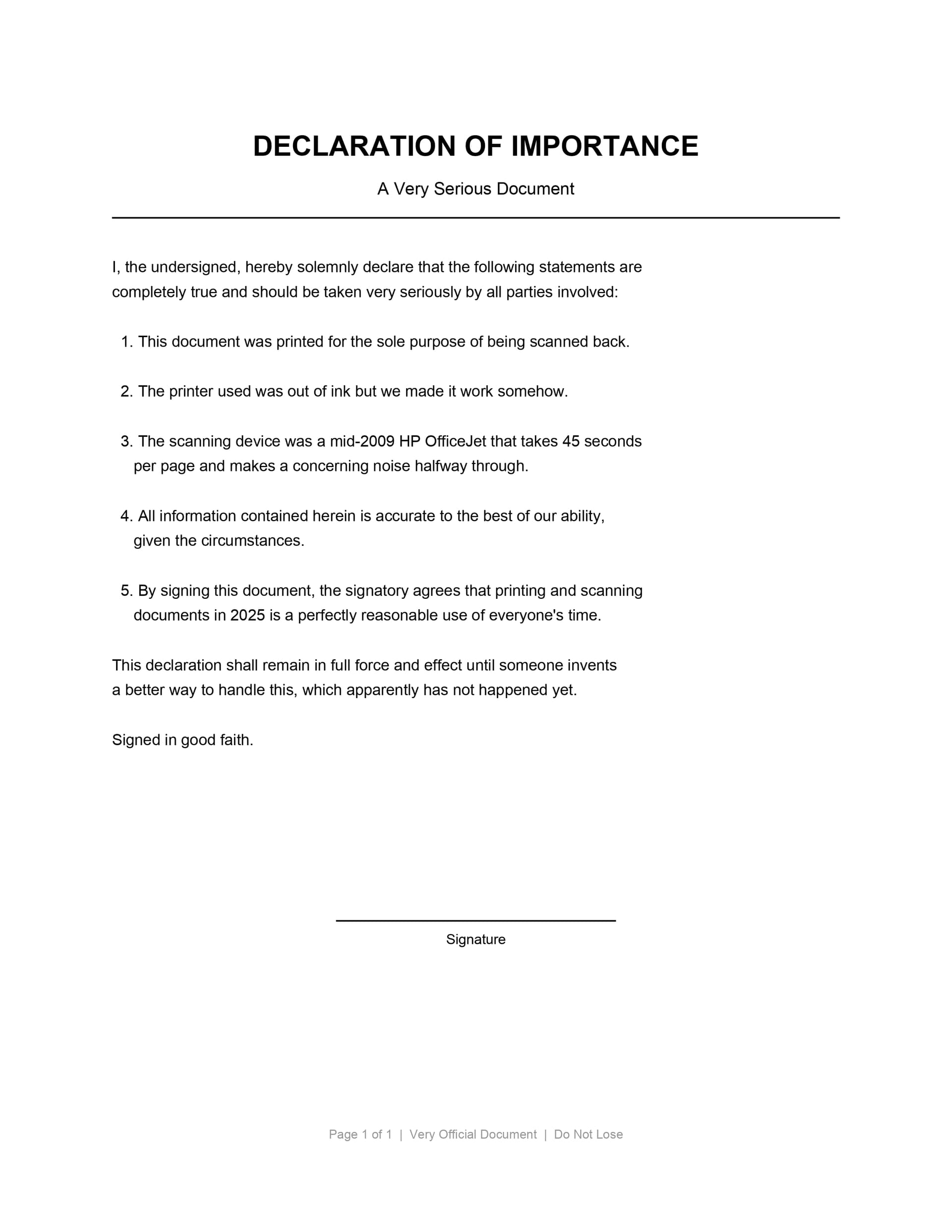
Original PDF document before scan effect

Scanned

Same document after Scanify scan effect applied

How it works

01
Upload your PDF
Drag and drop any PDF. Contracts, forms, applications. Up to 50 MB, processed entirely in your browser.
02
Place your signature
Upload your signature image and drag it to where you need it. Resize and reposition until it looks right.
03
Download the scanned result
Choose a scan preset and download. Light, standard, or heavy. It looks like it came off a real scanner.

Ditch the printer

The whole print-sign-scan ritual, replaced by a 30-second browser flow.

The old way
  • Print the document
  • Sign it by hand
  • Find a scanner (or scanner app)
  • Scan all pages
  • Upload the scanned file
  • Hope the quality is good enough
With Scanify
  • Upload your PDF
  • Place your signature
  • Choose a scan preset
  • Download. Done.
  • No printer needed
  • No scanner needed

Private by design

Your files never leave your browser. Zero server uploads, zero storage.

No uploads ever

Your PDF is processed entirely in-browser. Nothing is sent to a server.

No account needed

No signups, no logins, no tracking.

Fast

A 5-page document processes in under 3 seconds.

Interested in Pro features?

Signature vault, batch processing, and more. Drop your email and we'll let you know when Pro launches.